 Playout
Free Amazon gift cards for playing games
You can get a free Amazon gift card by playing games with Playout. Finish levels, watch your balance grow, and cash out for an Amazon gift card that usually arrives within minutes.
Key facts
- What you get
- An Amazon gift card, delivered by email.
- What you need
- An Android phone, an email inbox and an Amazon account to redeem the card.
- Minimum
- Low, set per currency, and shown in the app.
- How you earn it
- Finish levels in games from the Playout shelf; coins convert into money every 4 hours.
- Cost
- Nothing. No purchases, no fees to cash out.
An Amazon gift card is one of the most useful rewards there is, because Amazon sells almost everything. With Playout you can get a free Amazon gift card by playing: every finished level adds coins, the coins turn into real money, and you cash that out as an Amazon gift card. You never pay anything; your playtime does the work.
How to get a free Amazon gift card in 3 steps
- Install Playout and pick a game. Get Playout free from Google Play; there’s no sign-up form, and your account lives on your phone. Pick a game from the shelf and install it from Google Play, free. Browse the games to see what’s on offer.
- Finish levels. Each finished level adds coins. Every four hours, all your coins convert into real money in your balance, which keeps stacking until you cash out.
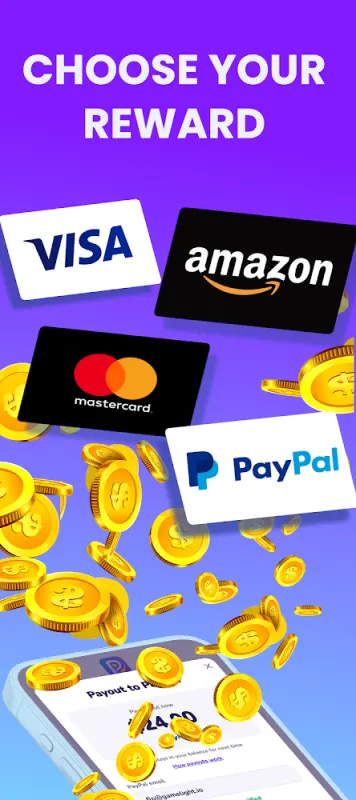
- Cash out for Amazon. Once you reach the minimum, tap your balance at the top of the Home screen and choose an Amazon gift card. Open the email, accept the reward, and redeem the card in your Amazon account.
What you need
- An Android phone. Playout is available worldwide on Google Play.
- An email inbox, because that’s where your gift card arrives.
- An Amazon account for the store you shop in, to redeem the card.
No credit card, no subscription and no upfront payment.
Minimum, amounts and delivery
You can cash out from a low minimum, set per currency and shown in the app. Payouts go out in round amounts, and anything above stays in your balance for next time. The rewards on offer can change over time, so the Rewards tab always shows what’s available to you.
Your Amazon gift card arrives by email, usually within minutes. In the app’s payout history, “Sent” means the email with your gift card is already in your inbox: open it, accept the reward, and the card is yours.
Ways to earn coins faster
Every finished level counts, and these extras help each round add up sooner:
- Grow your daily streak. Finish 5 levels in any game each day. Every streak day raises a coin boost, and because it’s based on your best streak, it stays with you. See the daily streak.
- Claim the daily challenges. Finished challenges give you tickets, and a full set unlocks a dice roll for bonus coins. See daily challenges.
- Collect Live Event items. The weekly Live Event rewards finished levels with items, and collecting enough wins a share of the prize pool as money in your balance. See the Live Event.
- Play with friends. Share your username as your invite code: your friend starts with 2x earnings for 48 hours, and each qualified friend adds +5% to your coin boost. See inviting friends, and send gifts to friends every day.
Games to play for your gift card
Every game on the shelf counts. Clear the lot in Jelly Jam, stack hexagons in Hexa Pop, or smash towers in Crown Crush.
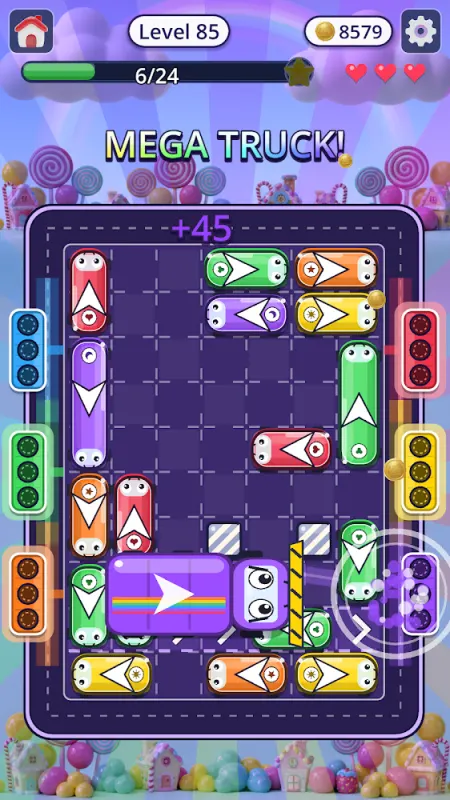
Think of it as gift-card money for time you’d spend on your phone anyway: a fun bonus that grows with how much and how regularly you play. Our guide to free gift cards by playing games has more ideas for choosing and using your rewards.
Other rewards
Your balance can also become PayPal cash, the most flexible option, or a Google Play gift card for apps and games on your phone. Weighing Amazon against Google Play? See Amazon vs. Google Play gift card.
Questions? Open the in-app support chat, email support@playout.gg, or see the help center.
Amazon is a trademark of Amazon.com, Inc. or its affiliates. Playout is not affiliated with or endorsed by Amazon.
