 Playout
How Playout works
You play games from the Playout shelf, every finished level adds coins, and every four hours those coins turn into real money in your balance. Once the balance reaches the low minimum, you cash it out.
Key facts
- How you earn
- Finish levels in games from the Playout shelf. Every finished level adds coins.
- Coins to money
- Every 4 hours all collected coins convert into real money in your balance.
- Cashing out
- PayPal cash or gift cards, from a low minimum set per currency and shown in the app.
- Bonuses
- Daily streak, daily event, daily quiz, challenges, a weekly live event, Money Boost and friends.
- Cost
- Free. There is nothing to buy in Playout, ever.
- Account
- No sign-up form. Your account is tied to your device.
Playout is a free Android app that rewards you for playing casual mobile games. The whole thing runs on one simple loop: pick a game, finish levels, collect coins, watch the coins turn into money, cash out. Everything else in the app (streaks, events, challenges, friends) is there to make that loop pay a little more on the days you come back.
Here is how each step works, in the order you will meet it.
1. Pick a game from the shelf
When you open Playout, the Home screen shows a short list of games: puzzles, tile matchers, merge and sorting games. Tap one and it installs from Google Play like any other game, for free. You can browse the current lineup on our games page, and the app always has the freshest list.
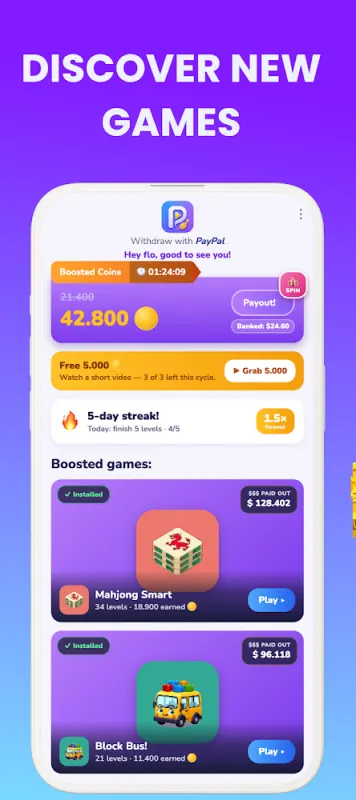
Install as many as you like. Variety pays off, because several of the bonuses below reward playing different games.
2. Play and finish levels
You play the game the way you normally would. Every level you finish adds coins to your Playout coin counter. There is nothing extra to do inside the game and nothing to pay for.
Turn on notifications for Playout so every reward finds its way to your account and you hear about your payouts the moment they are ready.
3. Every four hours, coins become money
Coins are your counter while you play. Every four hours, all the coins you collected in that round convert into real money and land in your balance. The app shows a timer counting down to the next conversion, and a short “Your coins were converted!” screen when it happens.
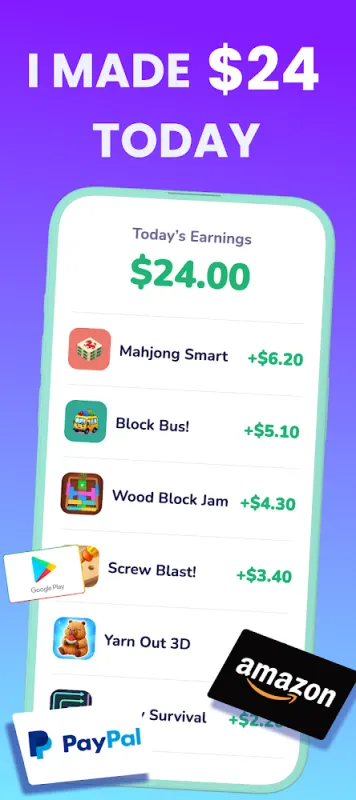
Two things make the balance easy to love:
- It stacks. Each round adds on top of the last. Money in your balance is never taken away.
- It is real money, shown in your own currency.
4. Cash out
When your balance reaches the minimum, you can cash out. The minimum is low, set per currency, and shown in the app: tap your balance at the top of the Home screen and Playout opens the payout form or shows how much is left to go.
Rewards are PayPal cash and gift cards. For PayPal, you enter your PayPal email address twice (so there are no typos), and the reward is sent to that inbox as an email from our payout partner. Open it, accept the reward, and the money lands in your PayPal, usually within minutes. Details for each reward are on the PayPal, Amazon gift card and Google Play gift card pages.
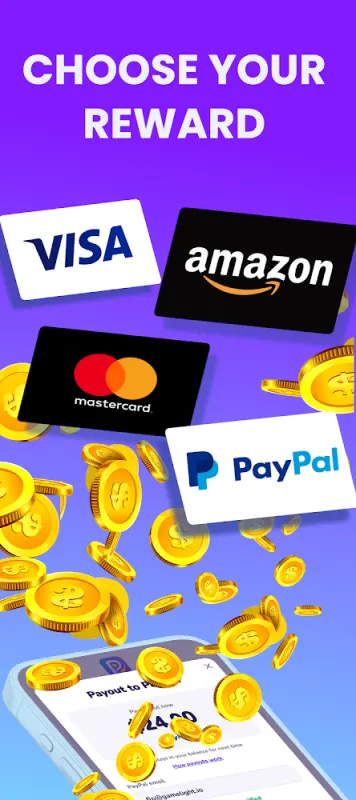
Payouts go out in round amounts. Anything above the round amount stays in your balance for next time, so it keeps working for you.
The bonuses on top
None of these are required, and all of them help you get more out of the same playtime.
Daily streak
Finish five levels in any game on a given day and your streak grows by one. The longer your best streak, the higher your coin multiplier, and that boost is permanent: it applies to all the coins you earn from then on. Keep a streak going for a week and you bank a streak freeze, which covers a day off. Even if the day count starts over, the boost you already earned stays. More on the daily streak.
Daily event and daily quiz
The daily event is a set of bonuses for finishing a number of levels in any game before its countdown runs out. The daily quiz is one question: a correct answer wins coins, and every answer earns a prize.
Challenges
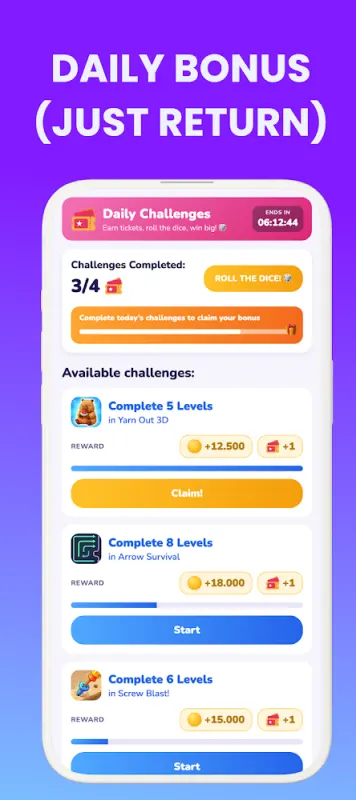
The Challenges tab has a fresh set every day, such as “finish a number of levels in this game.” Each finished challenge gives you a ticket, and a full set unlocks a dice roll that multiplies a coin reward. Tap Claim to collect each reward. See daily challenges.
The weekly Live Event
Once a week there is a Live Event. Finishing levels in a game earns collectible items, and each game on the board has its own ladder: the first item takes 10 levels, and the next one on the same game takes a few more, so spreading your play across games collects items fastest. Tap Collect when an item is ready. Collect enough items within the week and you win a share of the weekly prize pool, paid into your balance as real money when you tap Claim your prize. See the Live Event.
Monnies and the Arcade
On the Passive tab, little characters called Monnies fill a coin vault for you, even while the app is closed. The Arcade tab has a short skill game every day with a prize for reaching the day’s goal. See Monnies and the Arcade.
Starter Boost
Some new players get a Starter Boost card: earn the amount shown on each of several days in a row, then claim an extra bonus on top.
Money Boost
Money Boost is an optional switch on Home. Turn it on and you get more coins for every level you finish, in all of Playout’s games. You can switch it off again anytime.
Friends
Your username doubles as your invite code. A friend who enters it within seven days of installing starts with double earnings for 48 hours, and you both unlock rewards step by step as they play. Claim those rewards on the Invite friends screen. Once you are friends in the app, you can also send each other a gift every day. See inviting friends.
What it costs
Nothing. There is no premium tier, no unlocks and no entry fee, and the games on the shelf are free too. You never spend money to earn.
What to expect
Think of Playout as gift-card money for time you would spend playing anyway, not a second income. The more you play, and the more of the bonuses you collect, the more your balance grows. For the long version, read how much you can earn playing games.
Where it works
Playout is available worldwide on Google Play, for Android phones. Questions? Open the support chat inside Playout, email support@playout.gg, or browse the help center.
