 Playout
How do I cash out my coins?
Tap your balance at the top of the Home tab. If you've reached the payout amount, the payout form opens: enter your PayPal email, confirm it, and accept the reward email that arrives in your inbox.
To cash out on Playout, tap your balance at the top of the Home tab. Your coins are already converted into money every 4 hours, so what you cash out is that balance. If it has reached the payout amount, the payout form opens. If not, it shows how much is left to go.
Step by step
- Tap your balance at the top of the Home tab (next to “Withdraw with PayPal”).
- Enter your PayPal email and type it a second time to confirm, so there are no typos.
- Tap Request Payout and confirm the inbox the reward will go to.
- Open the reward email from our payout partner.
- Accept the reward in the email, and the money lands in your PayPal.
The email usually arrives within minutes.
Round amounts
Payouts go out in round amounts. Anything above the round amount stays in your balance for next time, so it keeps adding up. See the minimum payout for more.
PayPal and gift cards
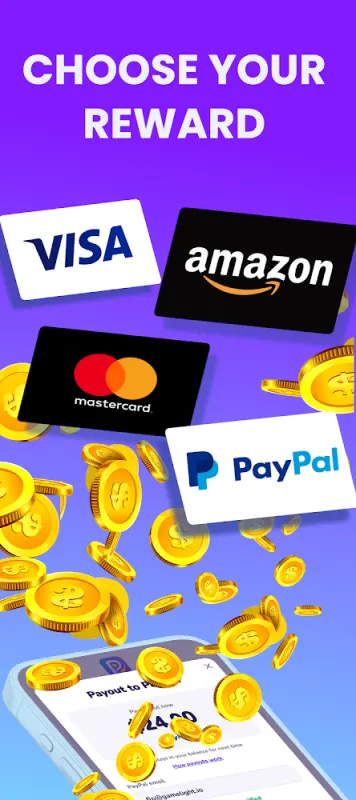
Playout pays out PayPal cash and gift cards. The cash-out form in the app shows what you can choose. See payout methods and all rewards for details.
Your payout history
Tap the ⋮ menu at the top right and open My earnings to see every payout and its status, such as “Processing” or “Sent”.
Questions?
Open the support chat in the app (⋮ menu → Support), or email support@playout.gg.
PayPal is a trademark of PayPal, Inc. Playout is not affiliated with or endorsed by PayPal.
