 Playout
How to get free Google Play credit
There are several easy ways to get Google Play credit without paying for it: Google's own loyalty program and promotions, survey apps, gifts, and Google Play gift cards you earn by playing games.
Key facts
- Easy routes
- Google’s loyalty program and promotions, survey apps, gifts, and gift cards from reward apps.
- Playing games
- Playout pays Google Play gift cards for the levels you finish.
- Region
- Google Play credit and gift cards are generally tied to a country.
- Redeem
- Play Store > profile icon > Payments & subscriptions > Redeem code.
Google Play credit is handy if you buy apps, games, subscriptions or in-app items on Android. The good news: there are several easy ways to get free Google Play credit, and one of them is simply playing games on the phone you already use.
What Google Play credit is
Google Play credit is a balance on your Google account that you spend in the Play Store. You add it by redeeming a gift card or promo code, or by earning it through certain programs. Once redeemed, it stays with that Google account and is generally tied to the account’s country.
Easy ways to get Google Play credit
1. Google’s own loyalty program and promotions
Google Play runs its own loyalty program in many countries, where you collect points and turn them into credit. Google also runs promotions and offers through the Play Store. These vary by country, so check the Play Store app to see what’s available to you.
Great for: people who already buy things on Google Play.
2. Survey apps
Some survey apps pay in Google Play credit for answering short questionnaires, including one run by Google itself.
Great for: people who enjoy sharing their opinion in a minute or two.
3. Gift cards from playing games
Reward apps like Playout pay you for playing games and let you cash out your balance as a Google Play gift card. You play, you finish levels, and the credit follows.
Great for: anyone who plays games on their phone anyway. More on how it works in games that pay real money.
4. Gifts
A Google Play gift card is a popular present. If someone asks what you’d like, it’s a perfect answer.
Earning Google Play credit with Playout
- Install Playout from Google Play. No sign-up form; your account lives on your phone.
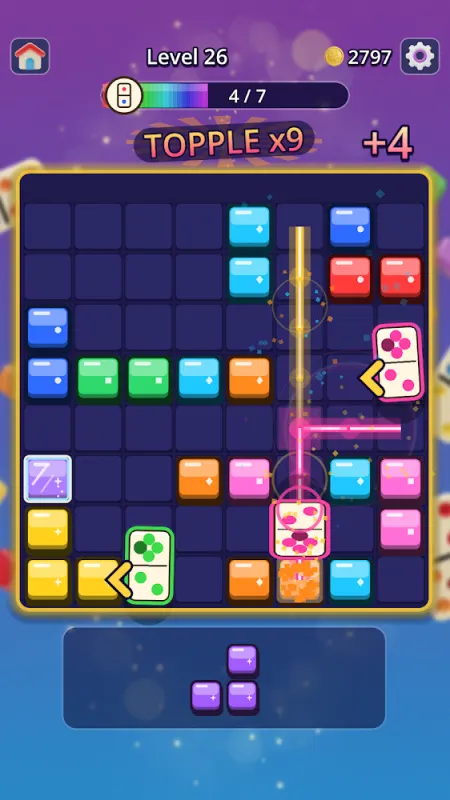
- Play games from the shelf. Every finished level adds coins. Try the block puzzle Domino Blast, the parking puzzle Jelly Jam or the color sorter Candy Cannon Sort.
- Watch your balance grow. Every four hours, your coins convert into real money in your balance.
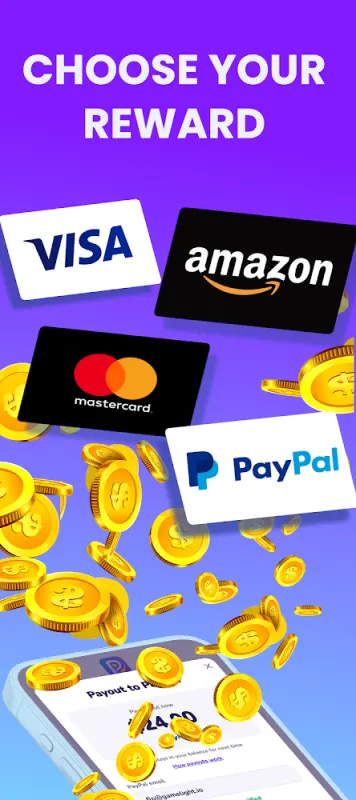
- Cash out as a Google Play gift card once you reach the minimum, which is low, set per currency and shown in the app.
Your gift card arrives by email, usually within minutes. Accept the reward and redeem the code in the Play Store.
Redeeming a code
- Open the Play Store and tap your profile icon.
- Go to Payments & subscriptions and choose Redeem code.
- Enter the code.
You can also redeem at play.google.com/redeem in a browser signed in to the same Google account. Pick the account whose country matches the card.
Making your credit go further
- Watch for sales. Apps and games go on sale regularly on Google Play.
- Mix routes. Credit from Google’s loyalty program, surveys and gift cards all adds up in the same balance.
- Turn on purchase authentication. In the Play Store settings you can ask for your password or fingerprint before every purchase, so your credit goes exactly where you want.
- Check your balance under payment methods in the Play Store.
How much to expect from playing games
Google Play credit from playing games is a fun bonus for time you’d spend playing anyway. It grows with how much and how regularly you play. We explain it in how much you can earn playing games, and the whole loop is on how it works.
Google Play is a trademark of Google LLC. Playout is not affiliated with or endorsed by Google.
