 Playout
How to earn PayPal money playing games
Install a free reward app like Playout, finish levels in the games you enjoy, and cash out to PayPal once you reach the low minimum. All you share is your PayPal email, and the money usually arrives within minutes.
Key facts
- What you need
- An Android phone and the email address of your PayPal account.
- How you earn
- Finish levels in games from the Playout shelf. Coins convert into money every 4 hours.
- Minimum
- Low, set per currency, and shown in the app.
- Delivery
- By email, usually within minutes. Accept the reward and it lands in your PayPal.
PayPal is the favorite reward for a reason: it’s cash, you can spend it online or move it to your bank, and it reaches you in minutes. If you want to earn PayPal money playing games, a free reward app makes it simple. You play casual games, your balance grows, and you cash out to PayPal whenever you reach the low minimum.
For just the Playout steps, see our PayPal rewards page.
Why PayPal is a great reward
- It’s flexible. Spend it anywhere PayPal is accepted, send it on, or move it to a bank account.
- It’s easy to receive. All an app needs is the email address of your PayPal account.
- It’s fast. With Playout, a PayPal payout usually arrives within minutes.
How to earn PayPal money with Playout
- Install Playout from Google Play. There’s no sign-up form; your account is tied to your phone.
- Pick a game from the shelf and install it from Google Play, free.
- Finish levels. Every finished level adds coins to your counter.
- Let your coins convert. Every four hours, all your coins turn into real money in your balance, shown in your own currency. It stacks from round to round and is never taken away.
- Tap your balance at the top of the Home screen. Once you’ve reached the minimum, the payout form opens; before that, it shows how much is left to go.
- Enter your PayPal email twice. The second field makes sure the address is exactly right.
- Accept the reward email. It comes from Playout’s payout partner. Accept the reward and the money lands in your PayPal.
Games that fill your PayPal balance
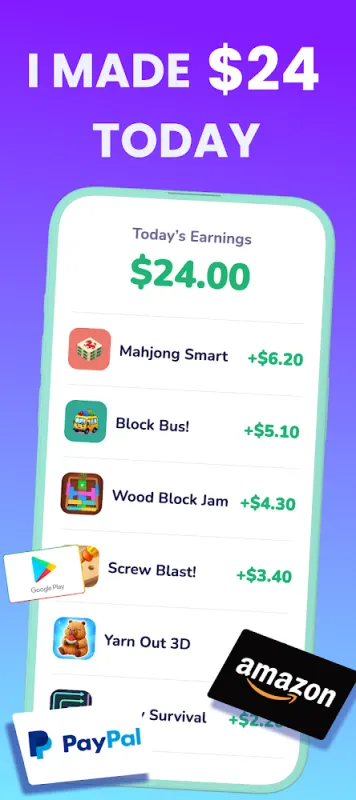
Every game on the shelf earns coins, so play what you enjoy. Sort colors in Candy Cannon Sort or Hexa Pop, clear the board in Domino Blast, or take it slow with Mahjong Smart. See them all on the games page.
Tips for smooth PayPal payouts
- Use your own PayPal account’s email. That’s the address the money is sent to.
- Keep an eye on your inbox. The reward email comes from Playout’s payout partner, and it sometimes lands in the Promotions tab.
- Nothing is left behind. Payouts go out in round amounts, and anything above stays in your balance for next time.
How much PayPal money to expect
Think of it as PayPal money for time you’d spend playing anyway: a fun bonus rather than a second income. It grows with how much and how regularly you play, and the daily streak, daily challenges and weekly live event all add a little extra. We go deeper in how much you can earn playing games.
Get started
Playout is free and available worldwide on Google Play for Android. Install it, pick a game, and your first coins land with your first finished level. The full loop is on how it works.
PayPal is a trademark of PayPal, Inc. Playout is not affiliated with or endorsed by PayPal.
