Playout
Earn rewards playing Tile Tap!
Tile Tap! is a free tile puzzle for Android that you play one tap at a time. Open it from the Playout shelf and every level you finish earns coins toward PayPal cash or gift cards.
Key facts
- Genre
- Puzzle, tap-to-clear tiles
- Price
- Free
- Platform
- Android, installed from Google Play
- How you earn
- Coins for every level you finish when you play it through Playout. How it works
- Best for
- Short, low-effort sessions and players new to puzzle games
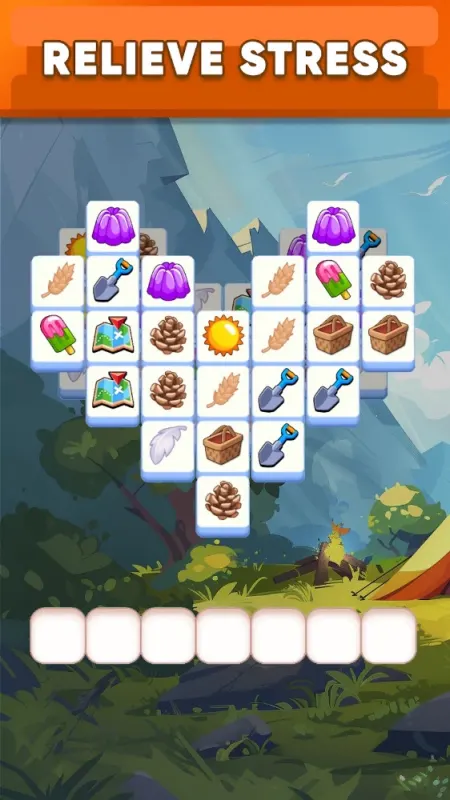
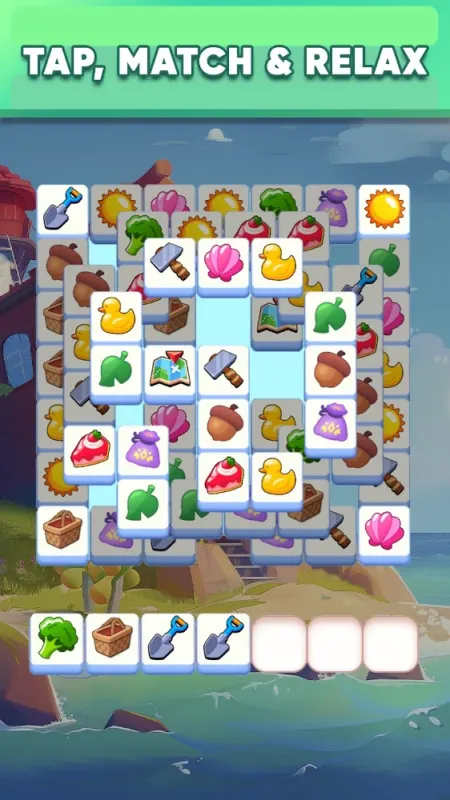
Tile Tap! is the most laid-back game on the Playout shelf. You clear a board of tiles one tap at a time, in levels short enough for a coffee break. It is free on Google Play. Played through Playout, it is a low-effort way to earn money playing games: every level you finish adds coins to your balance.
How Tile Tap! plays
Each level gives you a board of tiles to clear by tapping. There are no complicated controls: just a board, your thumb, and the order you choose to work in.
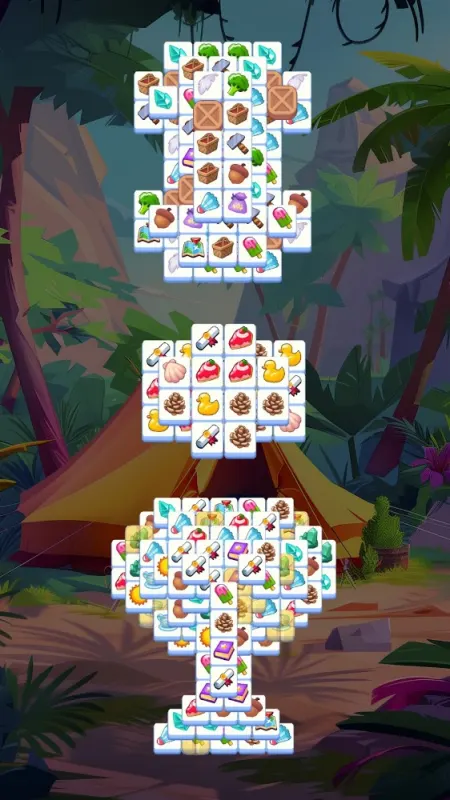
As with most tile puzzles, the challenge comes from planning rather than speed. Early levels ease you in. Later ones pack more onto the board, and the order you tap in starts to matter: clear the right tiles first and the rest of the board opens up. It is the kind of puzzle where you get better simply by playing it, which makes it a comfortable game to come back to day after day.
How earning works when you play Tile Tap! through Playout
- Install Playout from Google Play. You won’t fill in a sign-up form; your account is tied to your device.
- Install Tile Tap! from the Playout shelf. Playout shows that it is waiting for the game to confirm the install, which usually takes a few minutes. Installing from the shelf is what links your levels to your account.
- Finish levels. Every finished level adds coins to your Playout counter. Tile Tap! is a partner game, so its levels are reported to Playout by the game and added to your balance.
- Watch the balance grow. Every few hours, the coins you collected become real money in your balance.
- Cash out when you reach the minimum, which is low and shown in the app. Choose PayPal cash or a gift card, such as a Google Play gift card.
For the full loop, see how Playout works. For payout options, see rewards.
Tips to earn more in Tile Tap!
- Slow down on crowded boards. When a level looks packed, take a moment to plan before your first tap. A well-planned level finishes smoothly, and every finished level earns.
- Lock in your streak early. Finishing 5 levels in any game a day keeps your daily streak going, and every streak day permanently raises your boost on all coins. With short levels, you can tick that off early in the day.
- Spread your play across games. The daily event tiers count levels in any game, and the weekly Live Event pays the first collectible on each game for fewer levels than the next one on the same game. Rotating Tile Tap! with Block Bus! or Mahjong Smart helps.
- Claim everything you unlock. Event tiers and Live Event items need a tap on Claim or Collect in Playout.
- Turn on Playout notifications. They help Playout match every partner level you finish to your account.
Who will like Tile Tap!
Tile Tap! suits players who want something light: a game to play while the kettle boils, on a short commute, or when you’re new to puzzle games and want an easy start. It doesn’t ask much of you, and the levels are easy to stop and pick up again.
If you want a tile game with more to think about, Mahjong Smart is the deeper option on the shelf.